Push-to-talk · Global channels · No email signup

Global Chaos CB Radio app icon

Global Chaos
CB Radio

Nickname-only walkie-talkie radio for the web and your phone.

Pick a nickname, land on Welcome, hold to talk. Language and topic channels for everyday hangouts — plus a separate Chaos Zone when you want the wild side. No email. Free to join — optional VIP, ad-free, and chips.

Adults only (18+). Designated Chaos Zone channels are 21+.

How it works in 30 seconds

Three steps. No email signup. Fresh installs start on Welcome (Channel 19).

  1. 1

    Pick a nickname

    No email, no password — just a handle.

  2. 2

    Join a channel

    You start on Welcome. Then hop to language rooms, topic hangouts, or the Chaos Zone.

  3. 3

    Hold to talk

    One speaker at a time — real push-to-talk, not a Zoom call.

Two doors. Same app.

Most channels are everyday radio. A few are the old-school chaos floor.

Mainstream

Welcome, languages & topics

  • Default: Welcome (Channel 19) for every fresh install
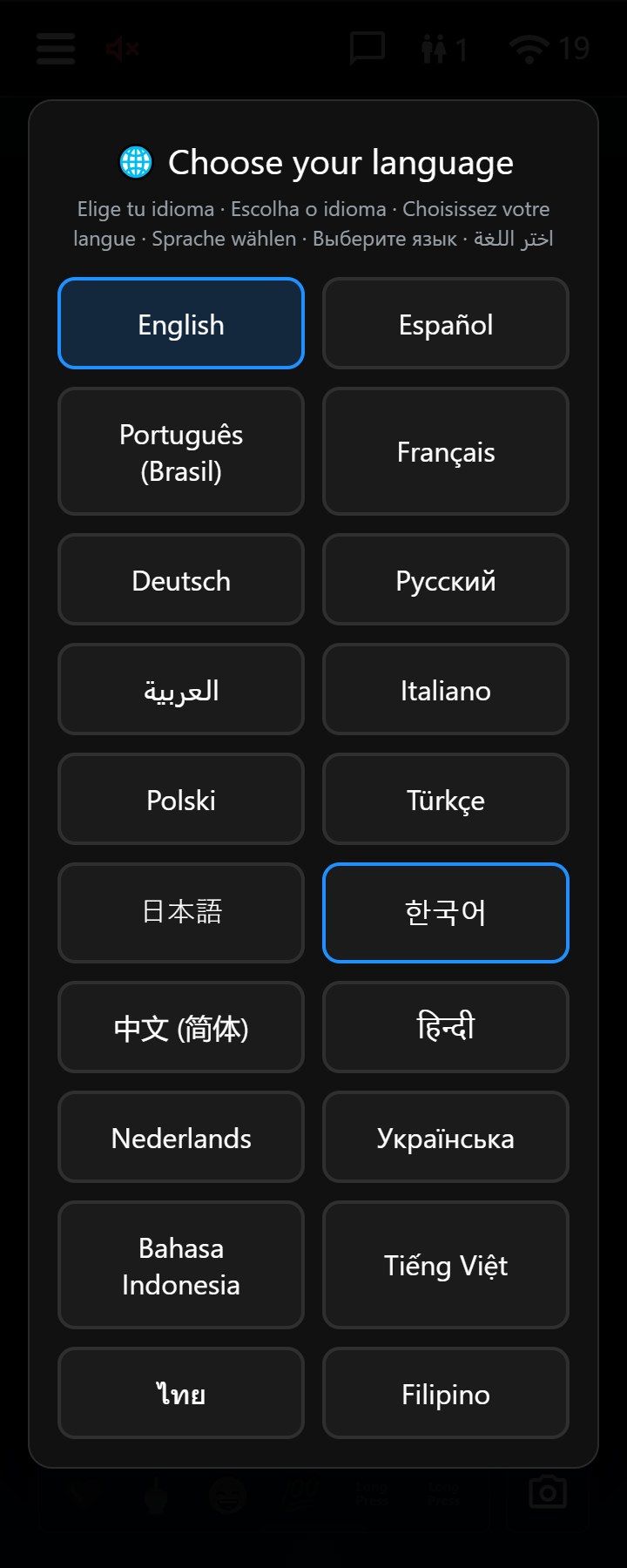
  • Language rooms (Español, Deutschland, Français, and more)
  • Topic hangouts — LGBTQ+, Late Night Lounge, Operators, Open Mic
  • Channel 39 — Live PTT · Channel 40 — Live Conference
  • No directed pranks · no chip economy on these rooms
  • Whispers, reactions, friends, and mute work app-wide

21+ Chaos Zone

Legacy channels

  • Channel 1 — United States
  • Channel 7 — Shark Tank
  • Channel 11 — Jam Session (long talk; not age-gated)
  • Channel 13 — The Final Revolution (Vote Kick)
  • Channel 14 — Bastard Orphans
  • Chips, power-ups, wagers, KAOS FM & stock, user blocks — here only
  • Designated 21+ (Channels 1, 7, 13, 14) — one-time date of birth check

Built for operators. Loved by chaos.

For operators & everyday talk

  • Welcome channel for every fresh install
  • Classic Mode — clean radio UI without distraction
  • Language & topic channels · Live PTT (39) · Live Conference (40)
  • Headset PTT, parked listening, broadcast loudness
  • Whispers, reactions, friends · no prank economy on mainstream rooms

For the 21+ Chaos Zone

  • Channels 1, 7, 11, 13, 14 — legacy floor
  • KAOS FM, Chaos Bank, power-ups & directed pranks
  • Vote Kick on Channel 13 · user blocks on Chaos Zone
  • One-time birth date check for designated 21+ rooms
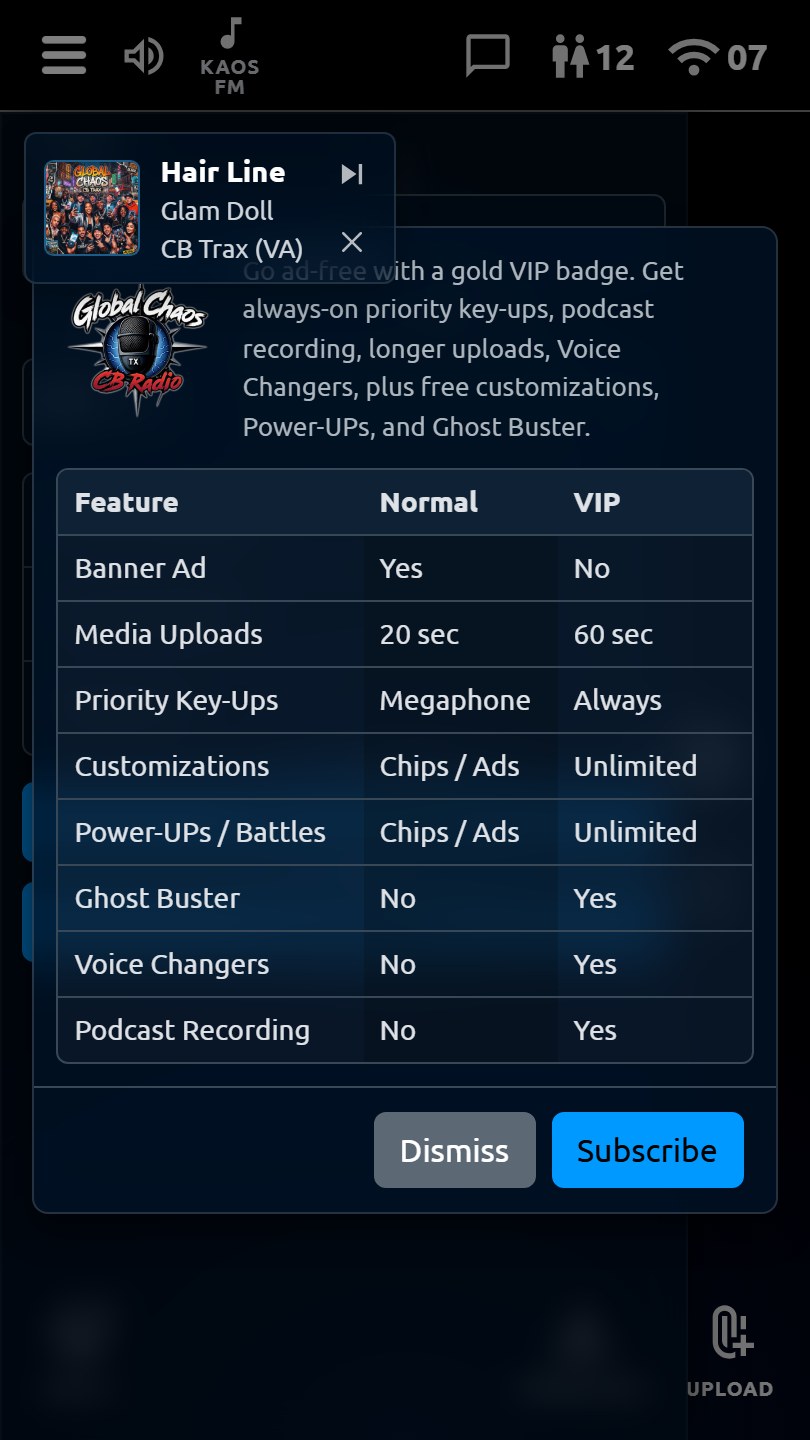
  • Optional VIP (ad-free, Voice Changers, longer talk — follows your install)
  • Themes, roger beeps, name colors, talk-button skins

App in Action

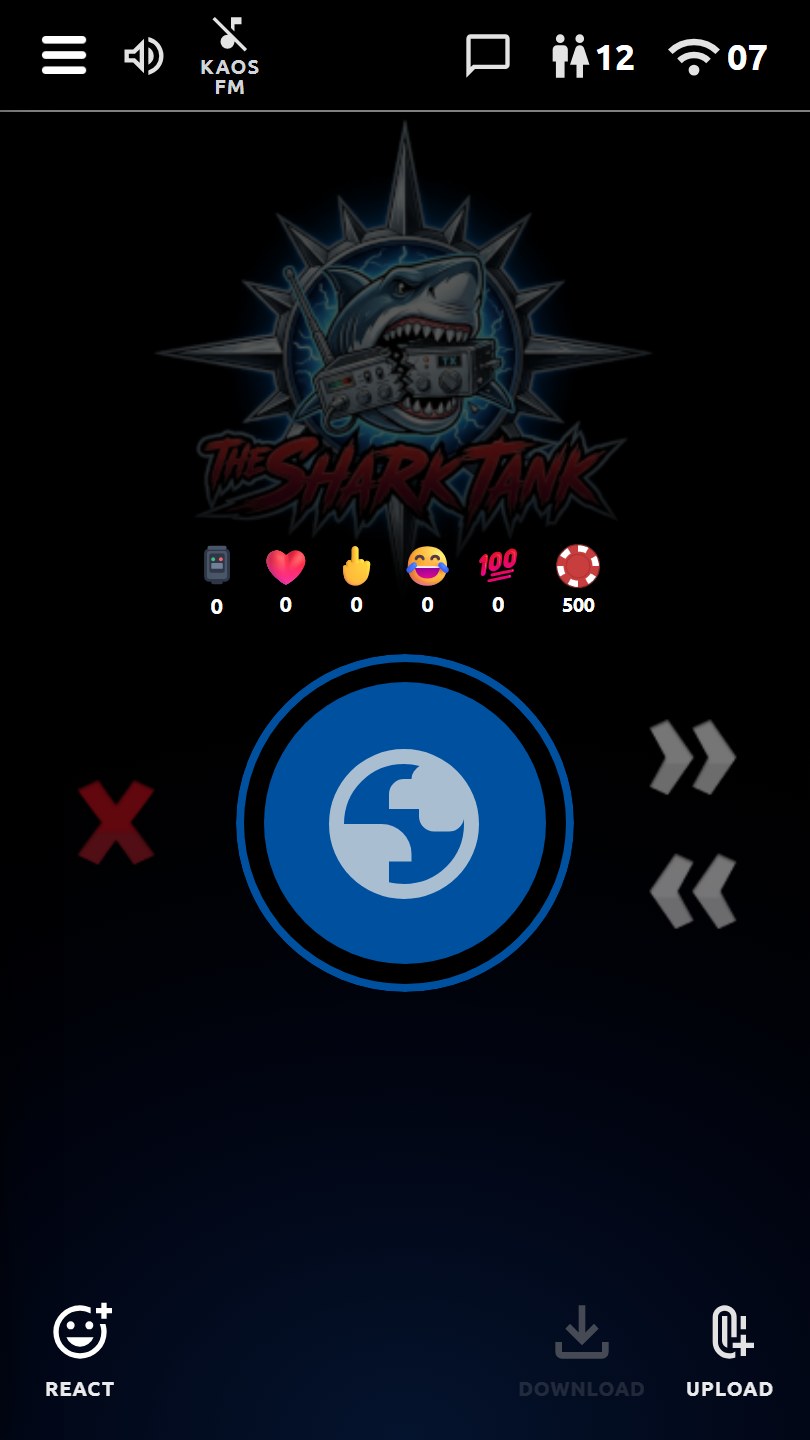
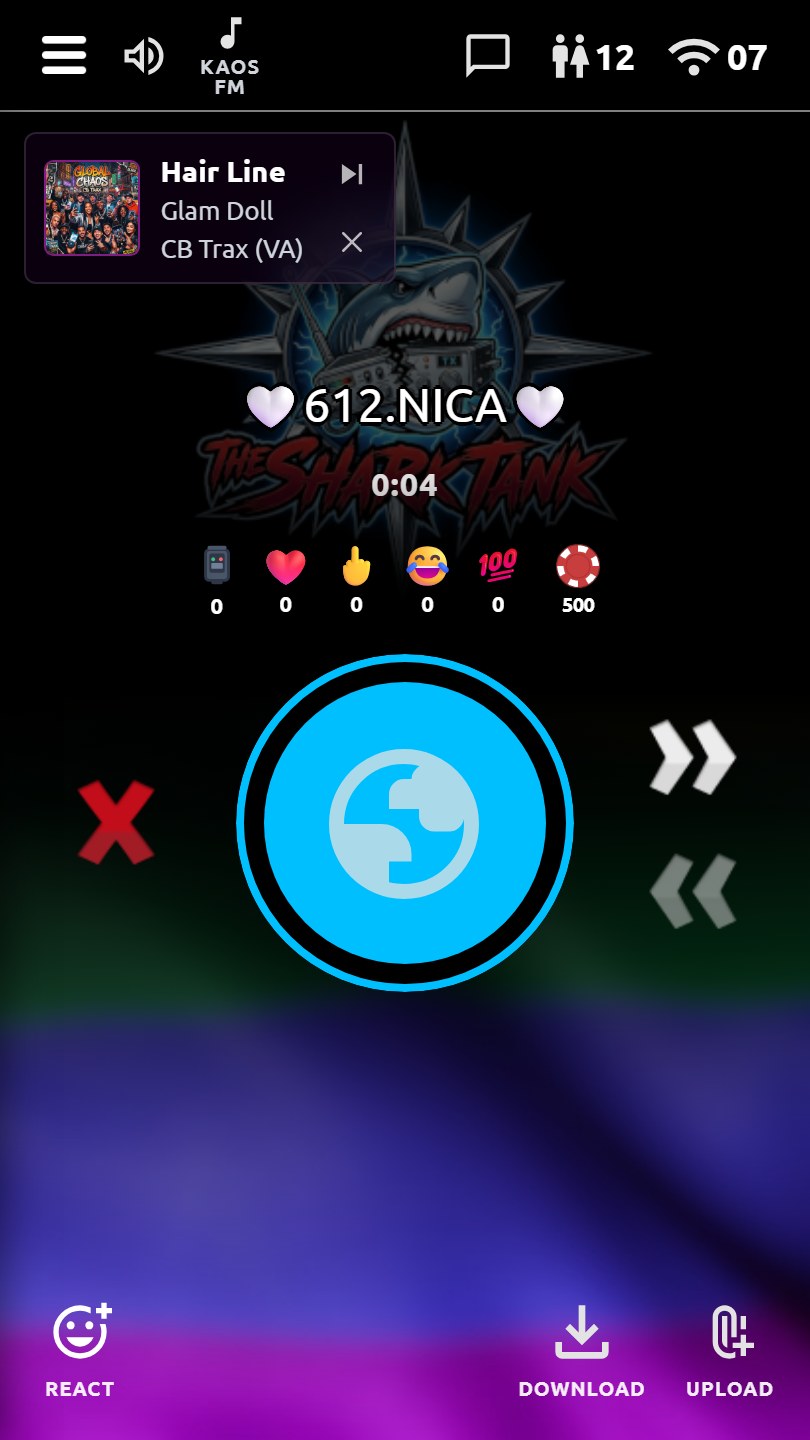
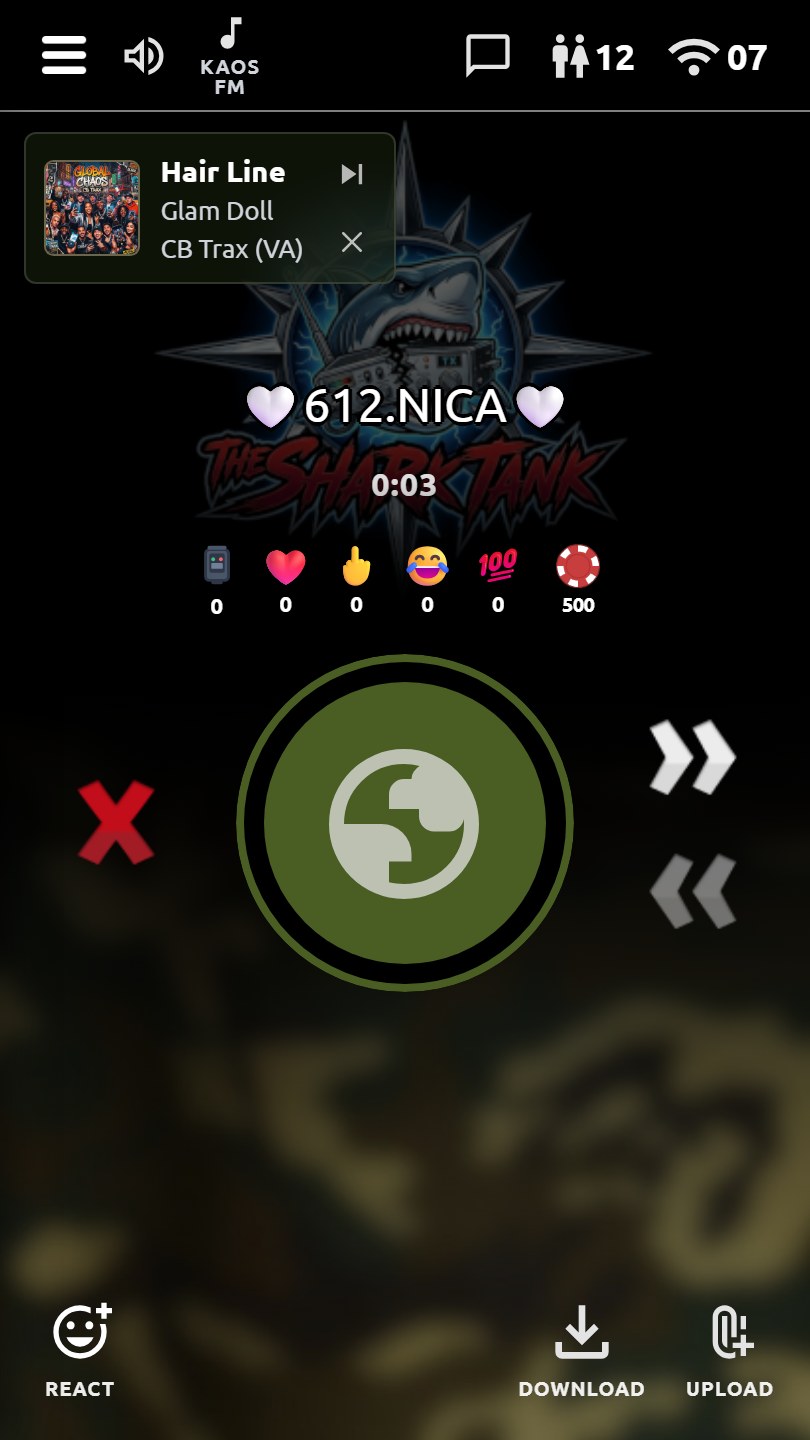
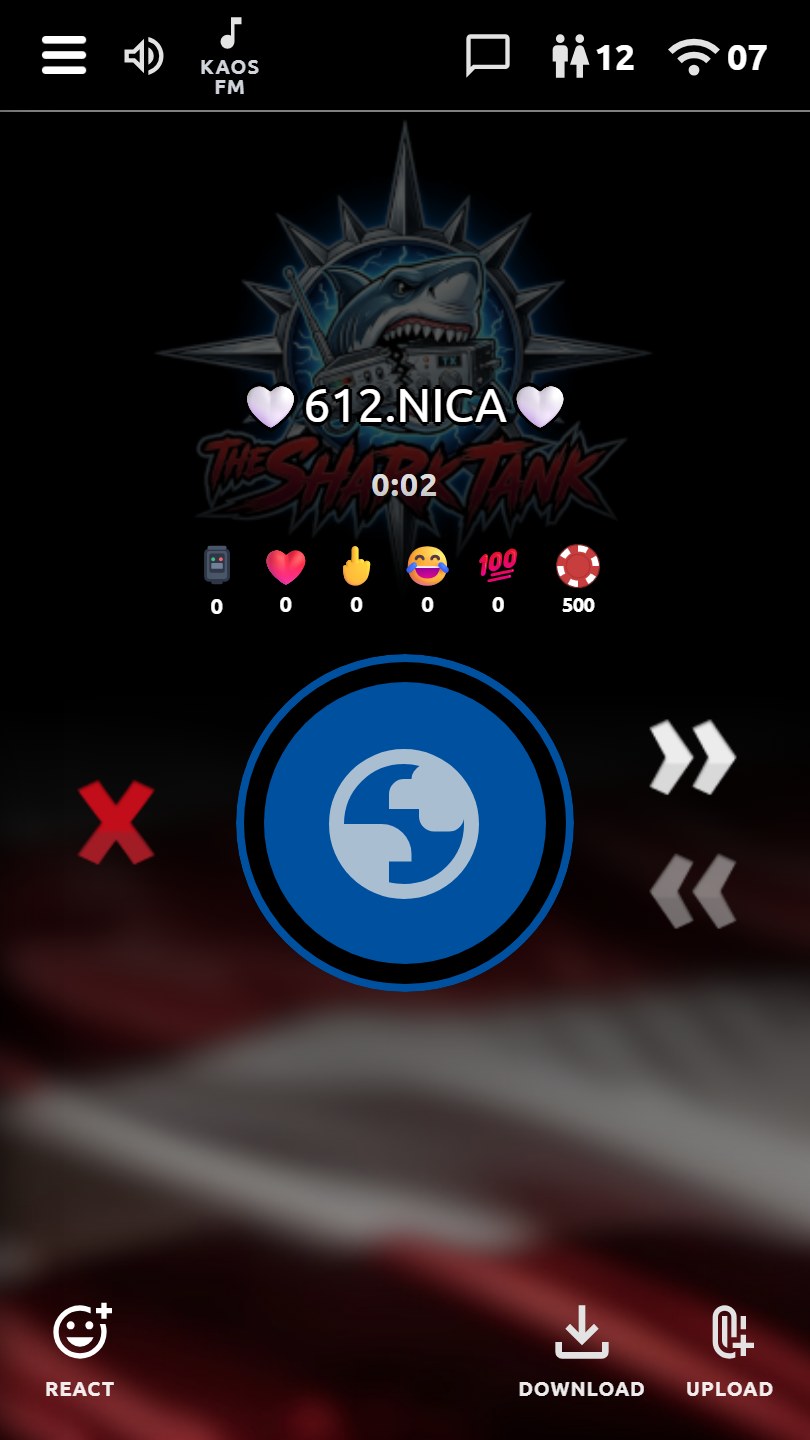
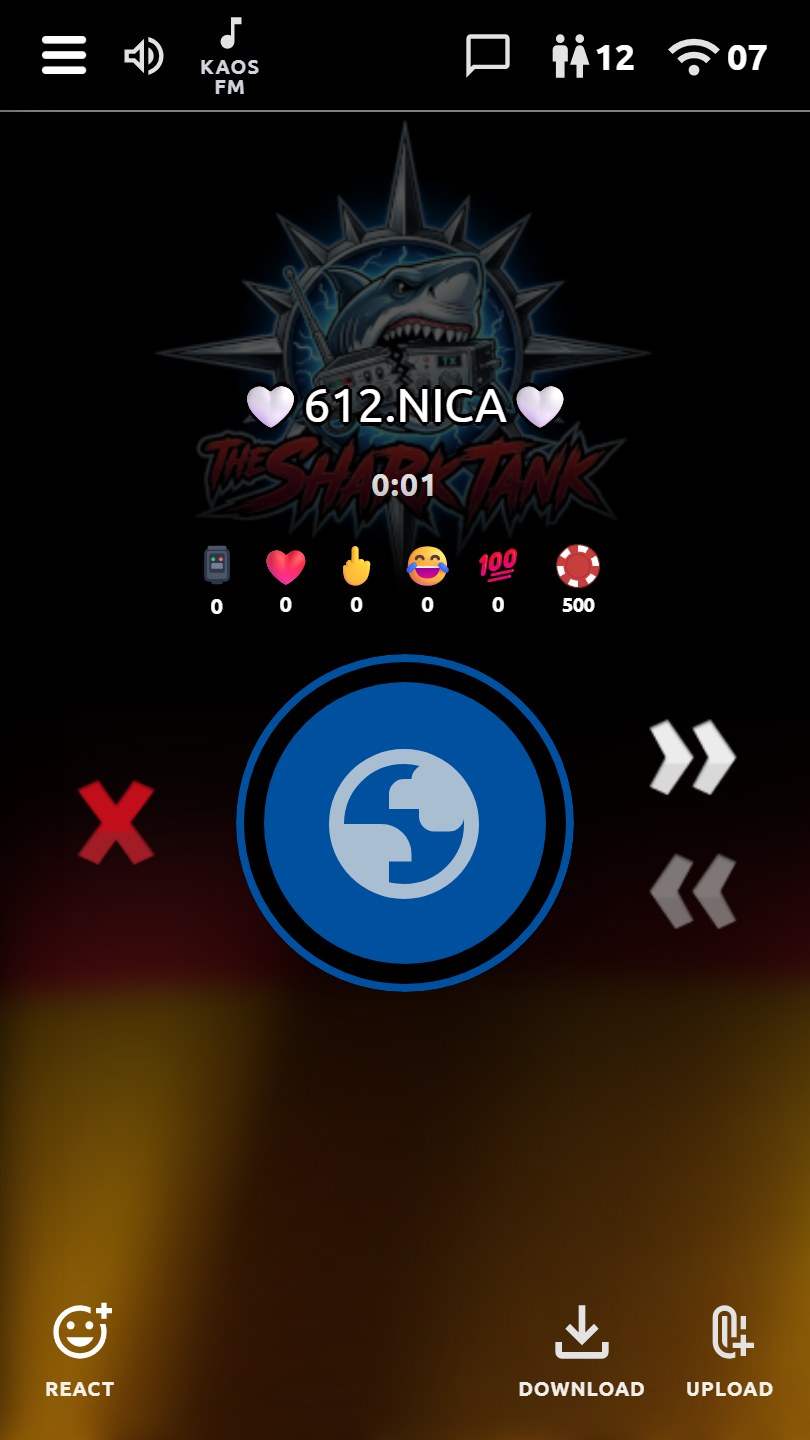
Main talk HUD
Main talk HUD
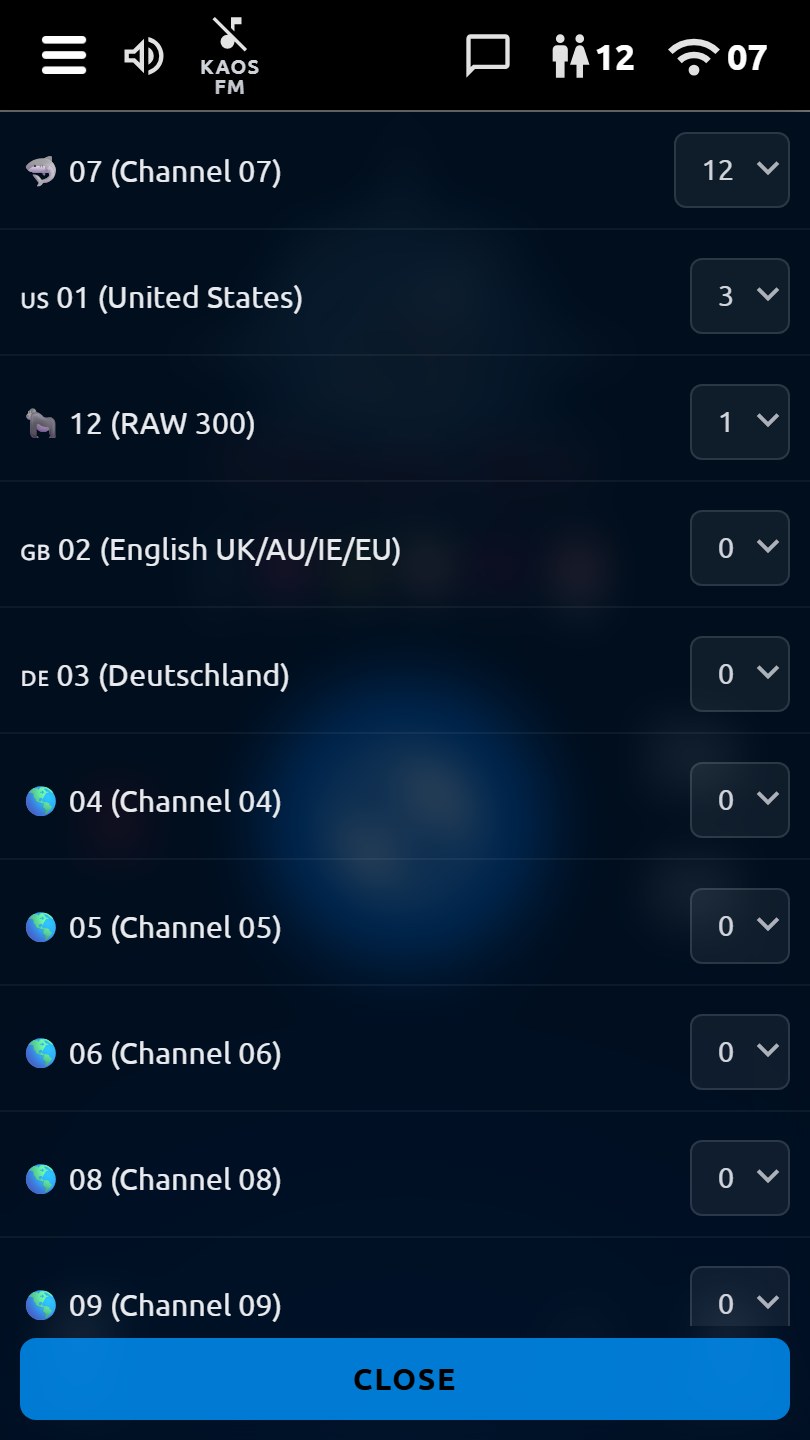
Channel list
Channel list
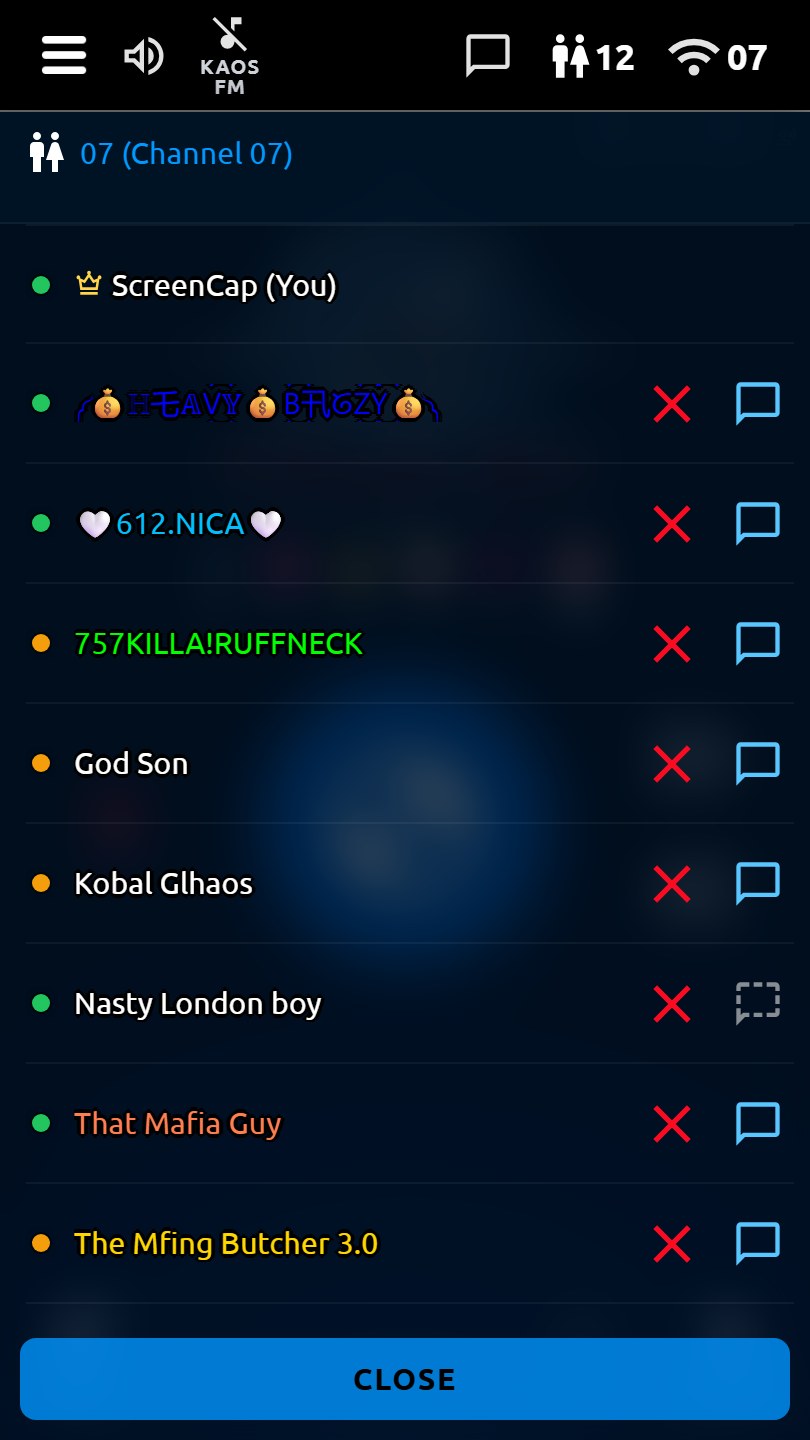
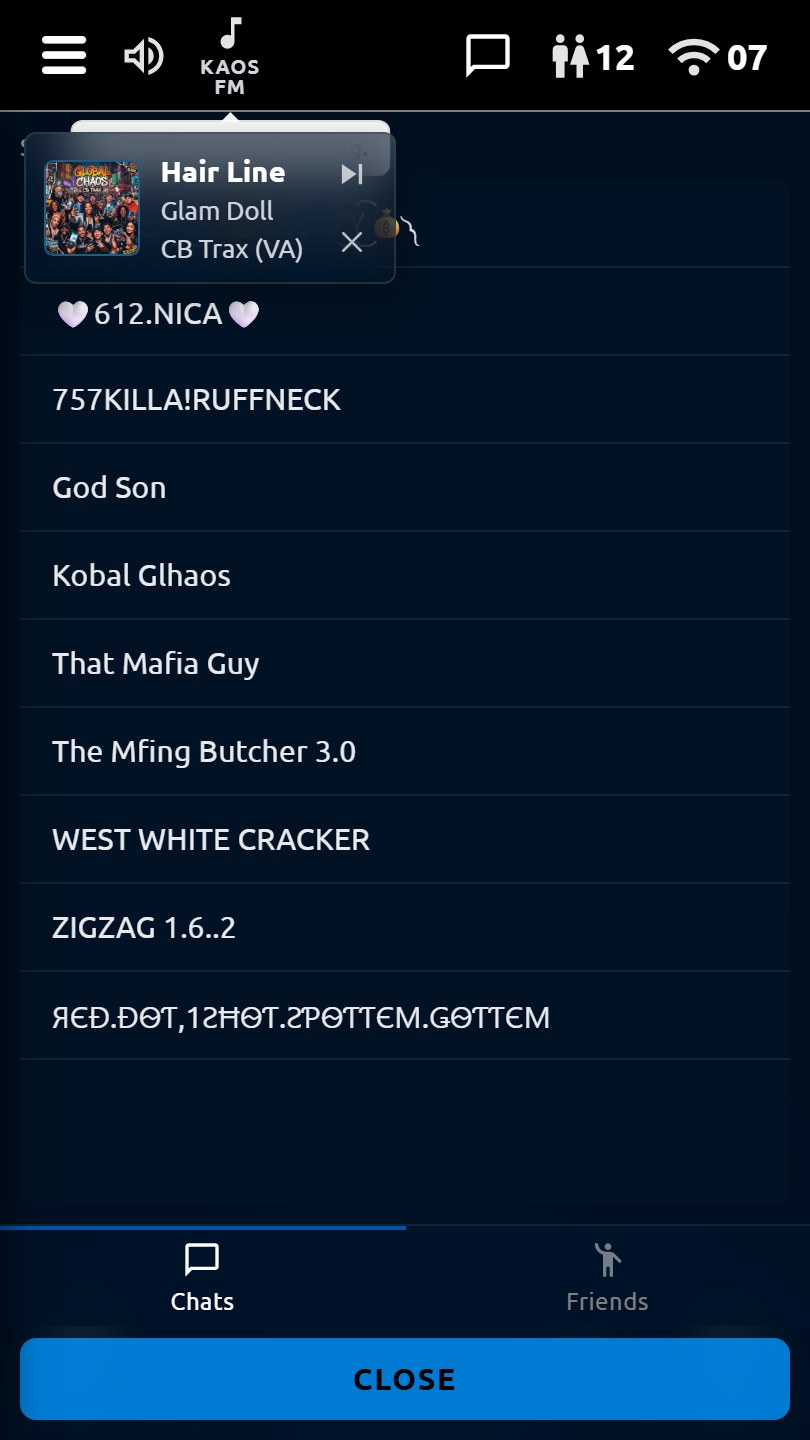
User list
Who's on channel
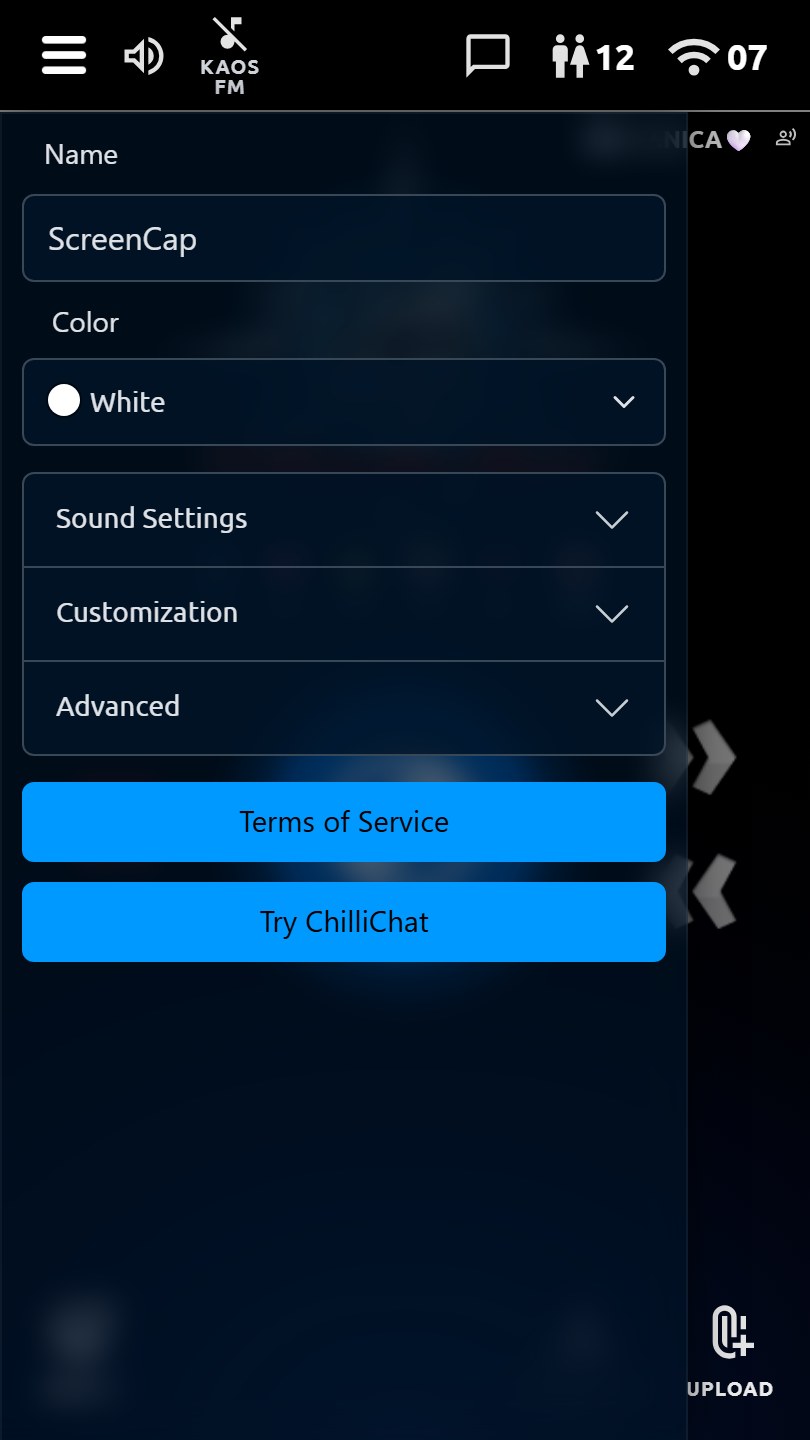
Sidebar
Themes & settings
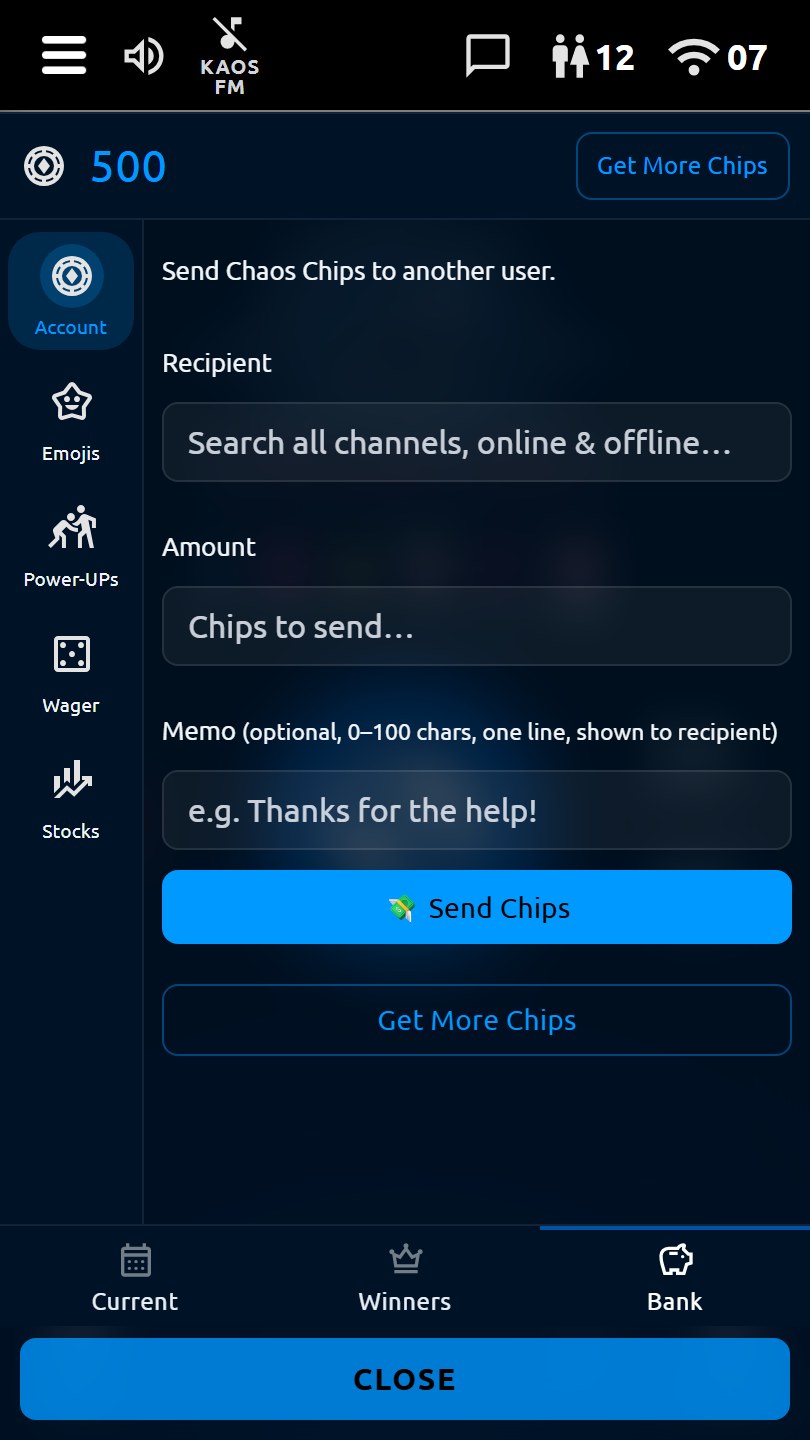
Chaos Bank
Chaos Bank
KAOS FM
KAOS FM
Inbox
Inbox & friends
VIP
Chaos VIP
Pride wallpaper theme
Army Camo wallpaper theme
USA wallpaper theme
USA wallpaper theme
Deutschland wallpaper theme
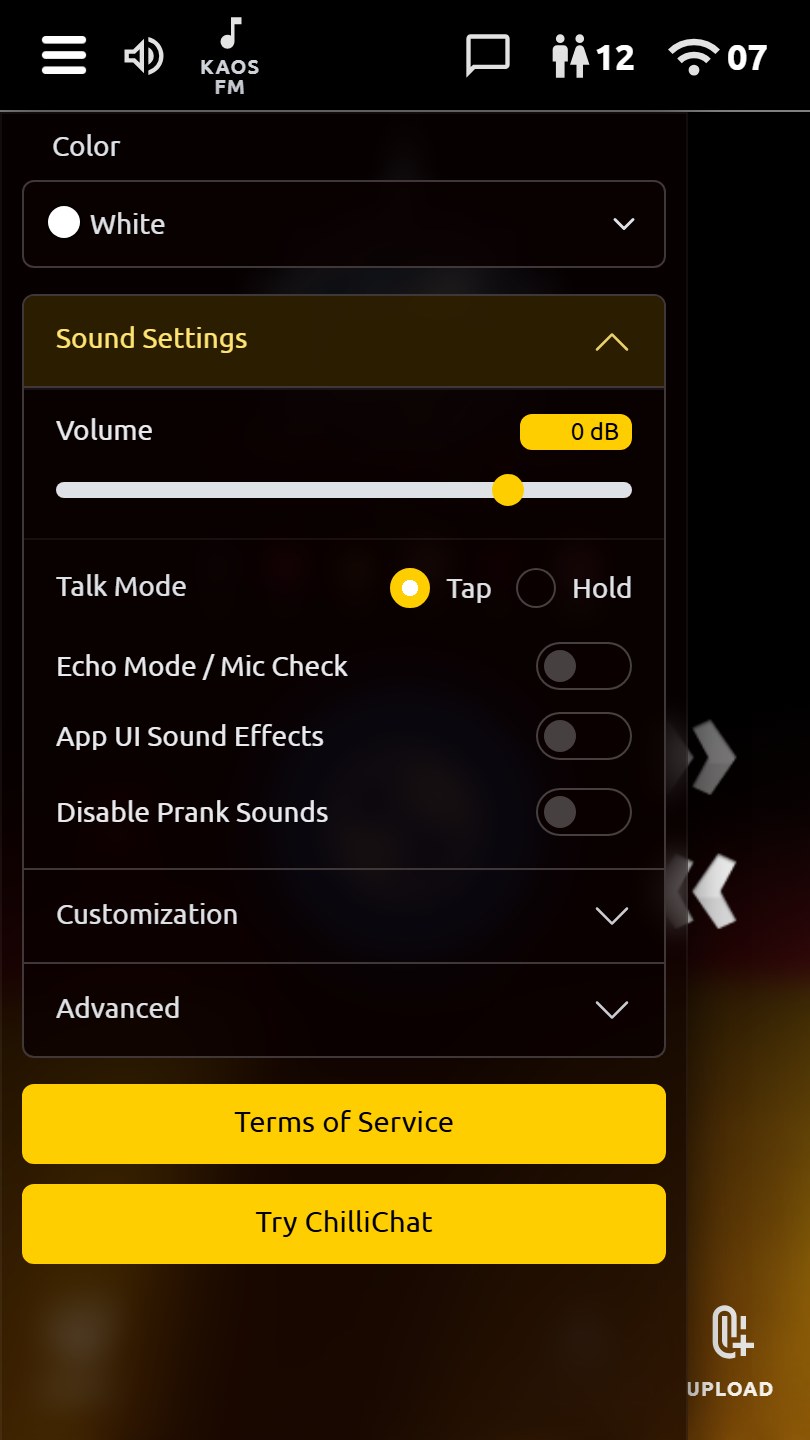
Sound settings
Sound settings
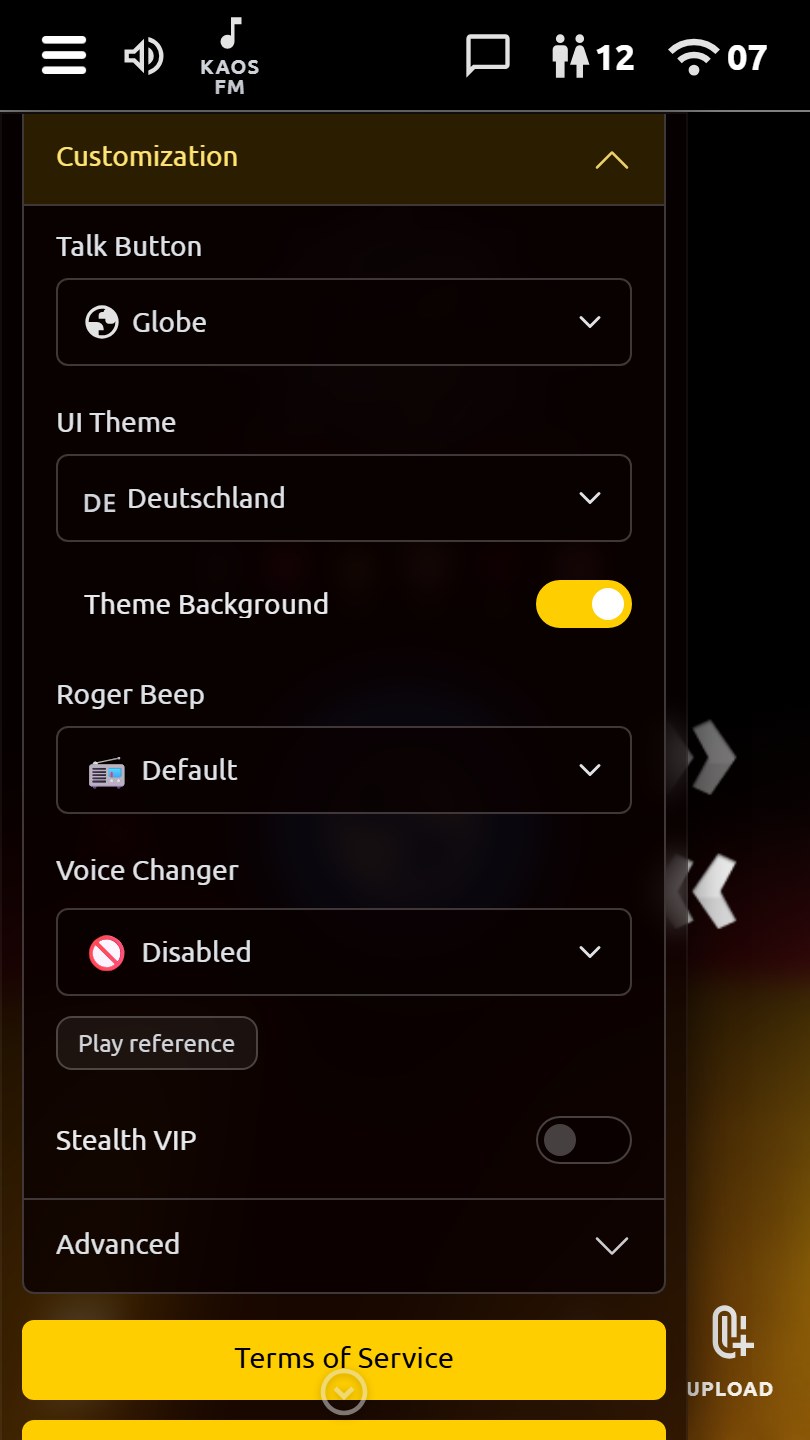
Customization
Customization
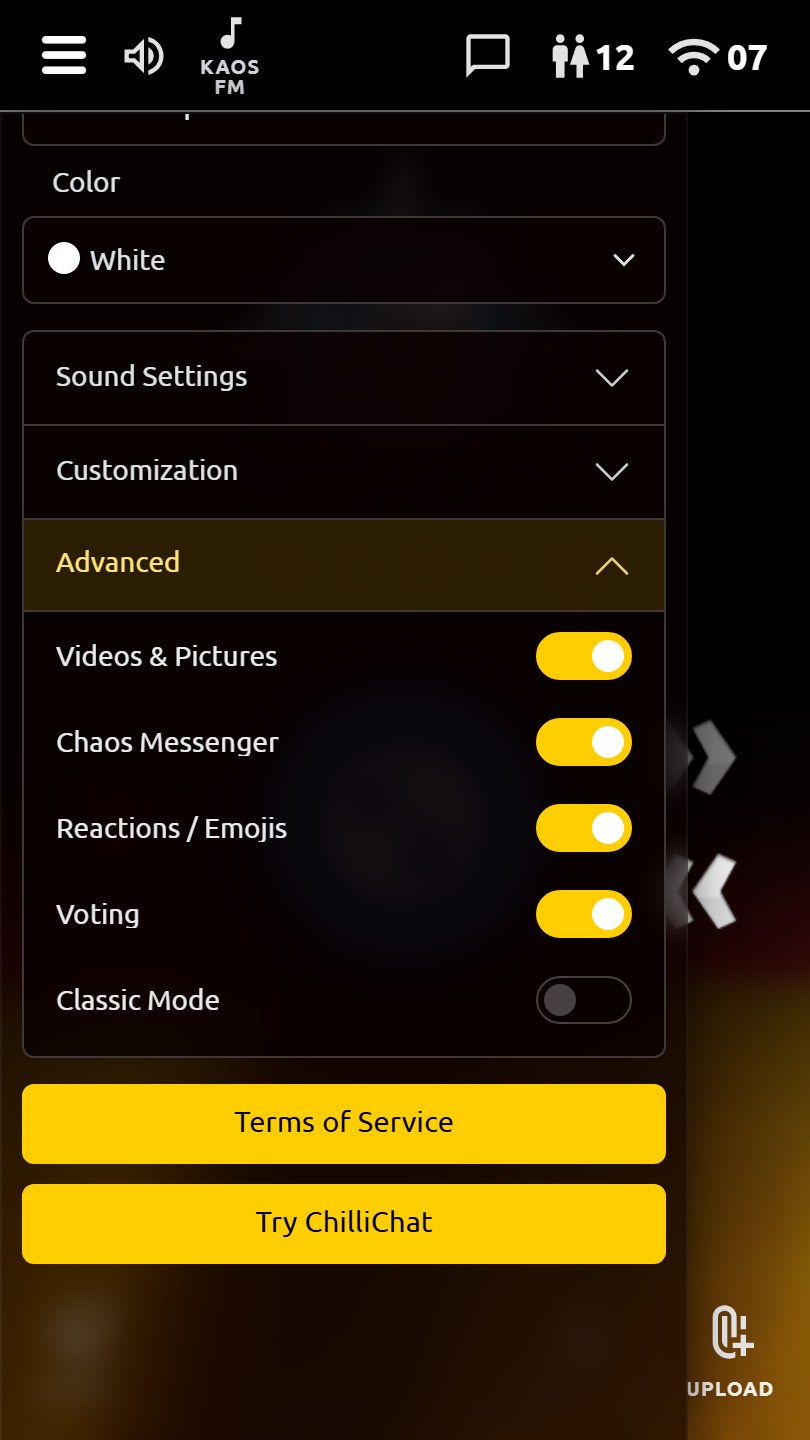
Advanced settings
Advanced settings
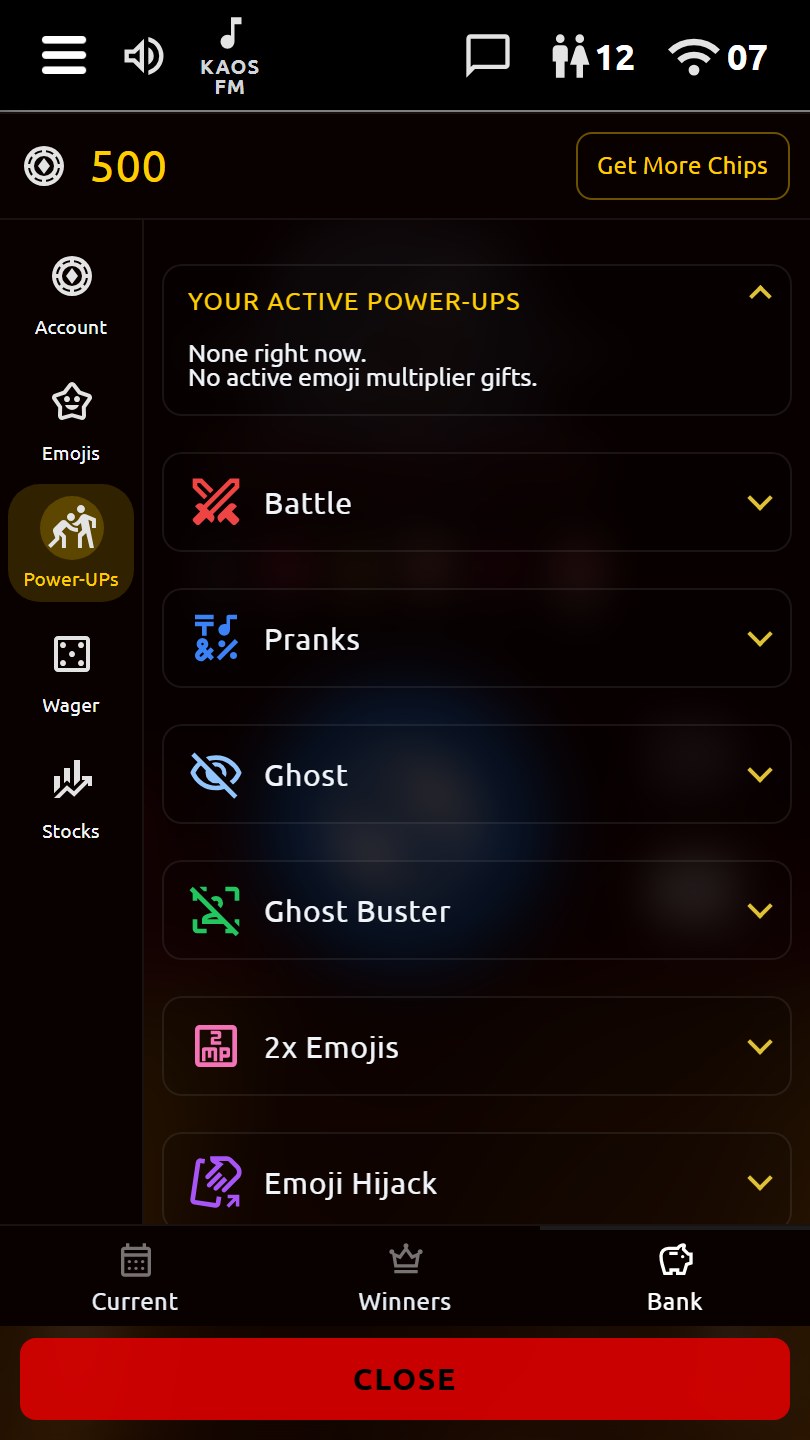
Power-UPs
Power-UPs
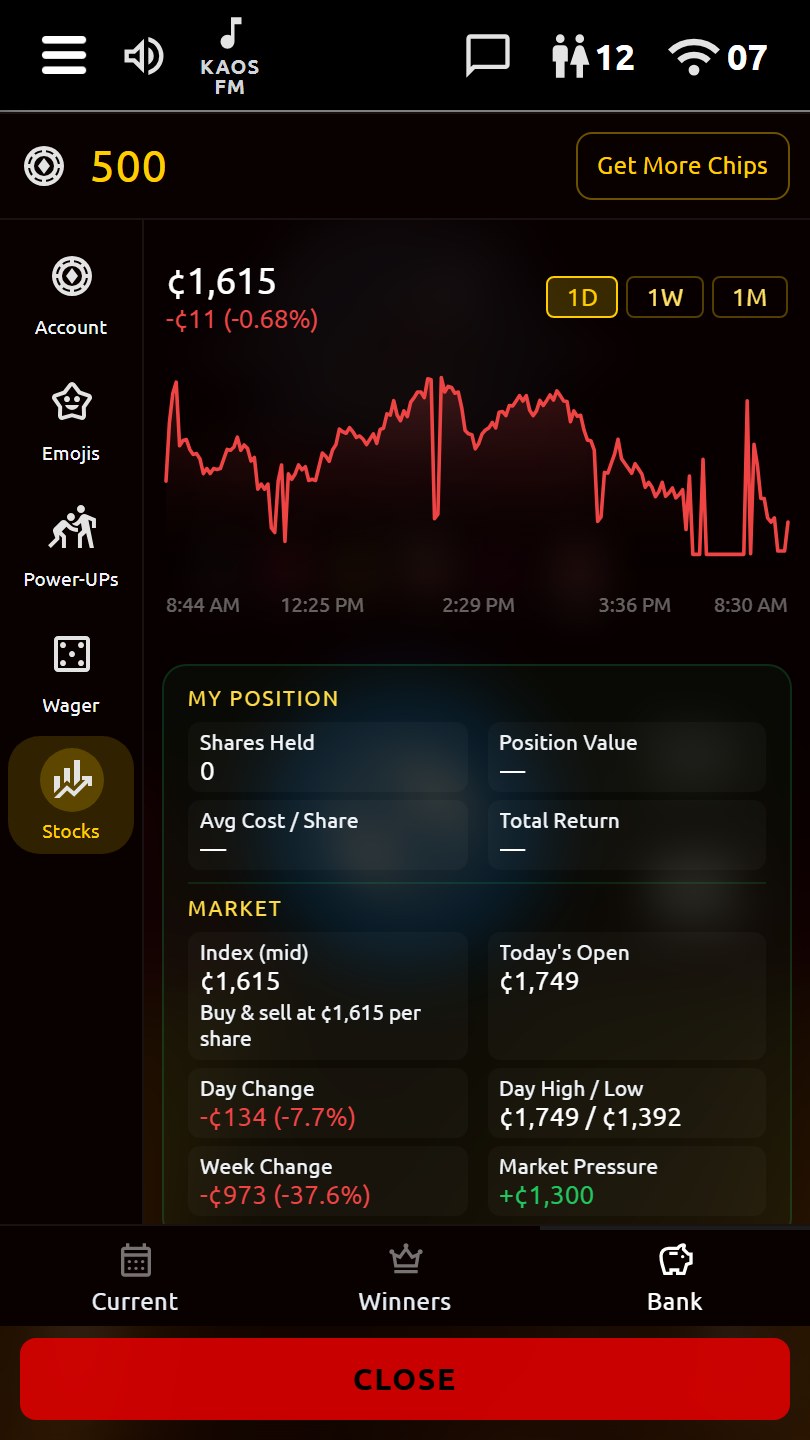
KAOS stock market
KAOS stock market

What you get

Talk & channels

Forty channels: Welcome for new users, language and topic rooms, Live PTT (39) and Live Conference (40), plus a cordoned Chaos Zone. Queued push-to-talk — nickname only, no email.

KAOS FM

In-app radio on Chaos Zone channels, with playlist rotation and live daytime inserts. Radio pauses when you open the mic so you don't rebroadcast the stream.

Social & media

Inbox for private text, images, and video; friends; live whispers; channel reactions; monthly leaderboards. Mute anyone; block users from Chaos Zone channels.

Chaos Bank & VIP

Chips, KAOS stock, wagers, and power-ups live in the Chaos Zone only (Channels 1, 7, 11, 13, 14). Optional VIP benefits follow your install. Mainstream rooms stay talk-first.

Power-ups

Megaphone, Vote Kick (Channel 13), emoji tools, and channel pranks — Chaos Zone only. No directed pranks on Welcome, language, or topic channels.

Make it yours

UI themes and wallpapers, name colors, talk-button skins, roger-beep packs, and VIP Voice Changers. Nickname identity — not real-name accounts.